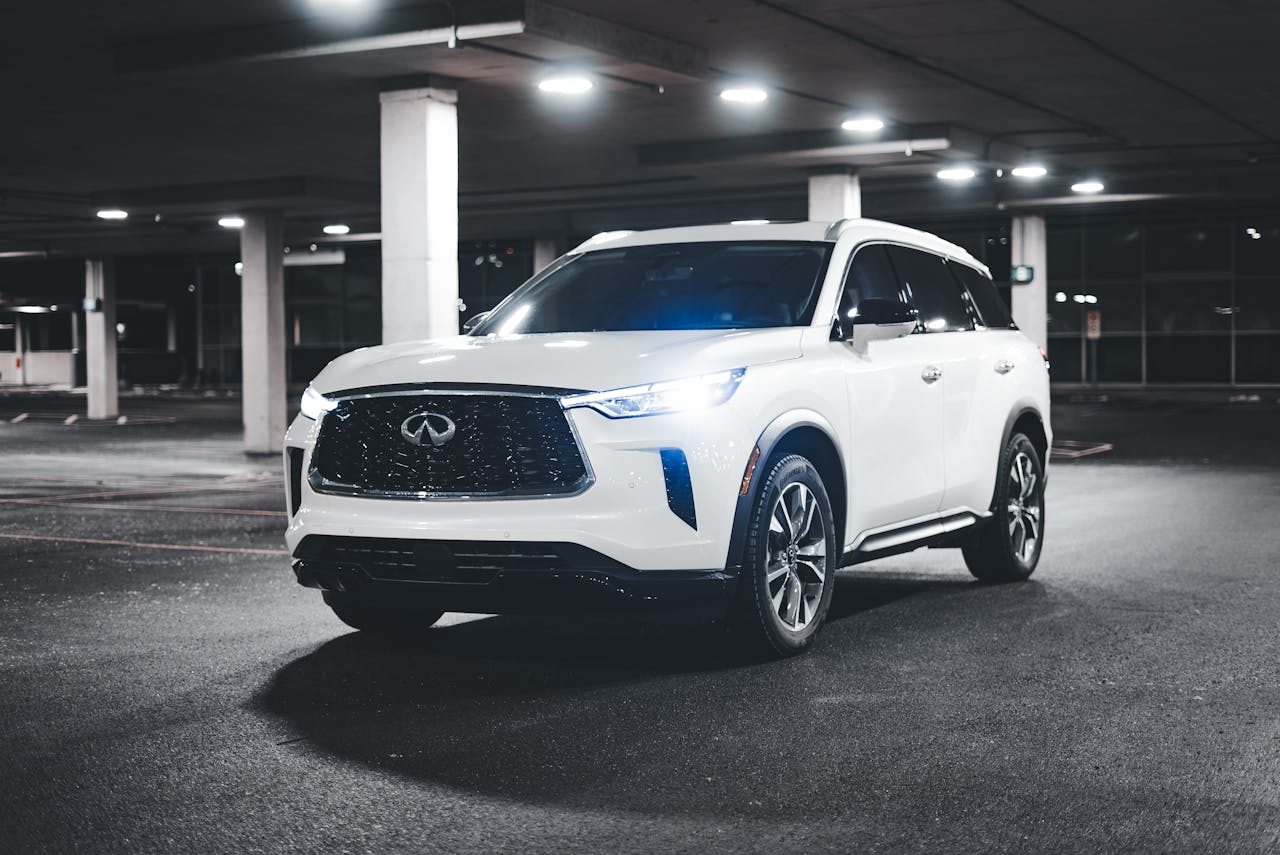
Driving a modern vehicle is an immersive experience, often featuring state-of-the-art technology designed to make each journey more enjoyable. Among these advancements, the touchscreen and infotainment system in Infiniti vehicles have become integral to daily driving. These systems don't just provide entertainment; they also house navigation, vehicle status updates, and many other functions that drivers rely on regularly. On Long Island, where the roads are busy and the traffic is often unpredictable, having an infotainment system that works flawlessly can make a significant difference in your daily commute or weekend road trips.
Yet, like any technology, these systems can occasionally encounter hiccups that disrupt their seamless function. From screens that freeze or respond sluggishly to software glitches that prevent users from accessing key features, these issues can be frustrating. Understanding how to tackle these problems effectively can enhance your driving experience and keep you focused on the road ahead. Whether you're a tech guru or someone who prefers simpler solutions, there are straightforward steps you can take to address these issues when they arise.
Common Infiniti Touchscreen Problems
While Infiniti's infotainment systems are known for their reliability and user-friendly interfaces, they can sometimes encounter a few typical problems. Here are some common issues that drivers might face:
- Unresponsive Screens: This can be caused by software glitches or even a simple system lag. Attempting to restart the system can often resolve the problem.
- Slow Performance: If switching between apps or inputs takes longer than usual, it may be time for a software update or a memory refresh.
- Connectivity Issues: Sometimes the system may fail to connect properly with devices, causing Bluetooth or other connectivity problems.
To get started, it's helpful to try a few initial troubleshooting steps:
1. Reboot the System: Much like a computer or smartphone, a quick restart can solve minor glitches and is often the easiest first step.
2. Check for Updates: Software updates can fix known bugs and enhance system performance, so ensure your system's software is up to date.
3. Ensure Proper Connections: For Bluetooth or cable issues, verify that connections are secure, and try disconnecting and reconnecting your devices.
These proactive measures often resolve many common touchscreen issues and restore the system to optimal performance. However, if problems persist, it might require deeper attention, which is where the next section will guide driver actions.
Addressing Infotainment System Errors
Infotainment systems are complex, combining software and hardware to deliver a wide array of features. When errors occur, they can disrupt the convenience these systems provide. Thankfully, tackling these issues can often be straightforward with the right approach.
Start with a system reboot. Much like your home computer, the infotainment system benefits from a fresh start now and again. This can clear up temporary bugs and errors that may cause the system to lag or become unresponsive. If rebooting doesn’t resolve the issue, the next step would be to look for software updates. Manufacturers frequently release updates to enhance system functionality and resolve known problems. Check the settings menu for any available updates and follow the prompts if an update is needed.
Another critical step is to investigate any potential recalls or software patches that could be affecting your system. Recalls can occur if there's a known issue affecting multiple units, and patches are often released to address these problems. You can typically find this information on the manufacturer’s website or through a quick online search.
When to Seek Professional Help
Despite your best efforts, some issues may require professional expertise. Understanding when to escalate the problem can save time and prevent further complications. If, after trying basic troubleshooting steps, the screen remains unresponsive, or the system repeatedly fails to connect with your devices, it’s time to consult a professional.
Professionals have the tools and knowledge to diagnose deeper issues that may not be apparent at first glance. They can test the system thoroughly, identify complex software problems, and access specialized solutions. Additionally, taking advantage of Infiniti’s remote services on Long Island can be a real time-saver. This service offers convenience and reliability, allowing for expert interventions without the need to visit a service center physically.
Preventive Measures to Avoid Future Issues
Prevention is always better than cure, especially when it comes to technology. Keeping your infotainment system running smoothly requires a few simple habits. Regularly check for software updates and install them promptly to keep your system optimized. Avoid overloading the system with unnecessary apps or features, which can strain performance over time.
It’s also a smart idea to schedule regular check-ups with a professional. During these check-ins, any emerging problems can be identified and dealt with before they escalate. Think of it as a routine check-up for your vehicle’s digital heart—keeping everything in fine working order to ensure smooth rides around Long Island and beyond.
Stay Connected with Confidence
Whatever the issue, addressing infotainment problems swiftly helps maintain an enjoyable driving experience. By keeping your system updated and knowing when to seek help, you not only safeguard your driving pleasure but also ensure your daily journeys are as stress-free as possible. A well-maintained system not only provides continuous entertainment but also upholds connectivity for all your driving essentials, keeping you confident and connected on every trip.
For seamless solutions to keep your vehicle's systems running smoothly, take advantage of Infiniti remote services on Long Island for quick and professional support. INFINITI of Smithtown is here to provide expert diagnostics and maintenance to keep your driving experience at its best.